Smart Apartment Search Online — How to Use Property Portals and Gather Information Before Viewings
From setting search criteria on portal sites to gathering information that photos alone cannot reveal. We explain the know-how for efficiently conducting your apartment search online.
The internet has become the main player in apartment hunting. Major portal sites like SUUMO and HOMES host hundreds of thousands of property listings, allowing you to search for apartments across Japan using just your smartphone. However, many people struggle to master search functions or end up regretting their choices after viewings based solely on online information. This column systematically explains concrete techniques for streamlining your online property search, from information gathering to things to confirm before booking a viewing.
Basic Usage of Portal Sites and Using Multiple Sites Strategically
Major rental portal sites include SUUMO, HOMES, and athome. Since each site has different listings and strengths, it's best to use multiple sites rather than sticking to just one. The same property may have varying levels of detail and number of photos depending on the site, and consulting pages with more information deepens your understanding.
When searching, start with basic conditions: area (train line/station/municipality), rent limit, layout (1 room, 1K, 1LDK, etc.), and walking distance to the nearest station. Once you've set these, narrow further if you have too many results.
Important filtering conditions include building age, structure (wood, steel frame, RC concrete), orientation (south-facing, etc.), and amenities (air conditioning, auto-lock, delivery box, pet-friendly, etc.). Rather than entering all desired conditions at once (which can reduce results too much), it's effective to first clarify your "must-have" and "nice-to-have" conditions, then narrow down in stages.
Pay attention to how rent is displayed. Portal sites often show "rent only," with maintenance fees or common service fees charged separately. Always compare the actual monthly burden as "rent + maintenance/common service fees."
Information You Can Gather from Photos and Floor Plans
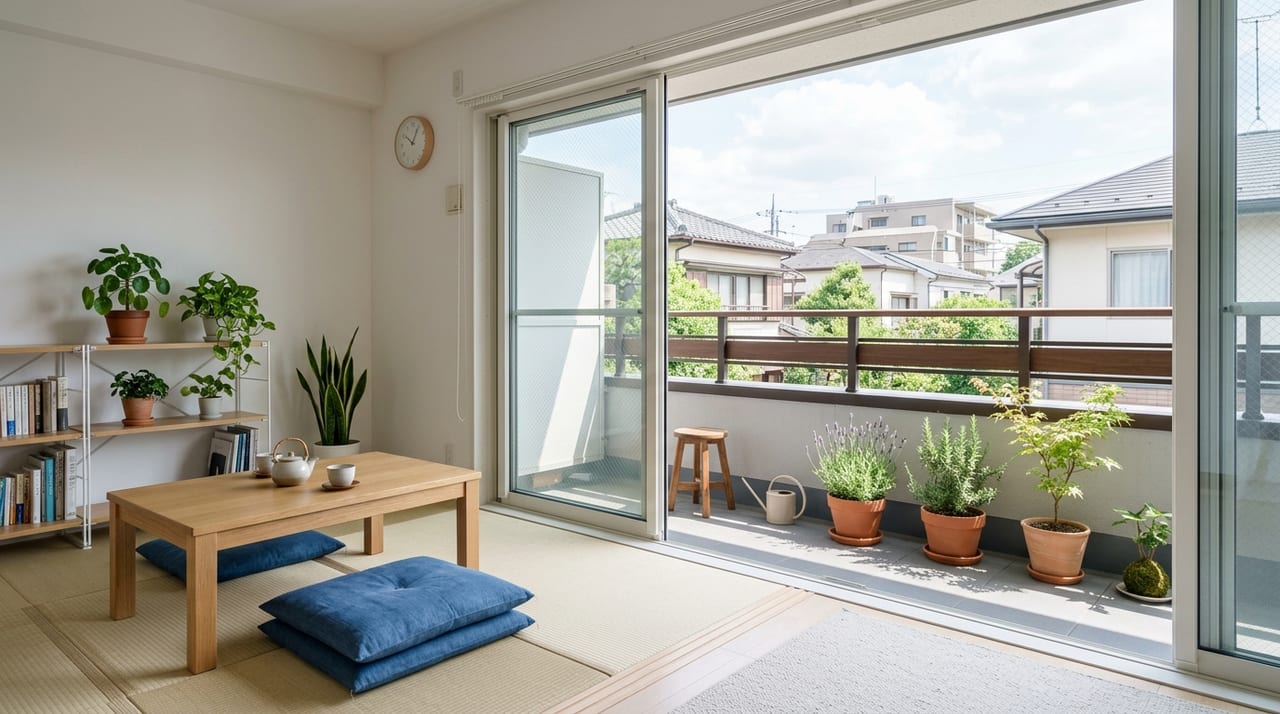
Property photos are often carefully crafted to look appealing. It's common to use wide-angle lenses to make rooms appear larger or to photograph only during times with good natural light. Keep these points in mind when viewing photos.
Compare multiple photos to get a sense of actual space and imagine whether your furniture will fit. If there are few photos of water amenities (kitchen, bath, toilet), deterioration or dirt may be hidden—pay special attention to these during your viewing. Properties with few exterior, common area, or entrance photos may also raise concerns about maintenance. Window views in photos serve as a reference for natural light and views.
Floor plans are essential for understanding a property. Key points to check include room sizes in tatami and square meters (using 1 tatami ≈ 1.65 sqm as a reference), the size and location of storage space (closets, built-in storage, utility rooms), where the washing machine goes (indoors or outdoors), whether the bath and toilet are separate or combined (3-fixture unit), and the number and position of windows (for natural light and ventilation).
Also, floor plans often don't show details like protruding pillars or beams, narrow entrances, or hallway widths. Creating a checklist of these items to verify during your viewing is helpful.
Using Street View and Maps to Check Your Surroundings
Google Maps Street View lets you explore your potential neighborhood in detail before visiting in person. Check the property's exterior and wall condition, surrounding buildings and roads, nearby shops and facilities, and the height of adjacent buildings that might affect natural light. Keep in mind that Street View images may be outdated and differ from current conditions.
Using Google Maps to measure distances and travel times is also effective. Measure the actual walking route to the nearest station (portal site walking times are often estimates based on straight-line distance), distances to convenience stores, supermarkets, and pharmacies, and the location of hospitals, schools, and daycare facilities (for family-oriented properties). This helps you form a concrete picture of daily life.
Additionally, the Ministry of Land, Infrastructure, Transport and Tourism's hazard map portal allows you to enter an address and instantly check flood, landslide, and earthquake risk levels. With increased heavy rain disasters in recent years, checking flood risk is especially important for properties near rivers or in low-lying areas. While real estate agents are required to explain hazard maps during the formal property disclosure, develop the habit of checking yourself beforehand.
Things to Confirm with Your Real Estate Agency Before Booking a Viewing
Before heading out to view a property, contact your real estate agency by phone or email to confirm several items. Since it's surprisingly common to arrive at a viewing only to discover the property is already under contract, checking the current vacancy status should be your top priority.
Other important items to confirm include:
Contract type and duration: Verify whether it's a fixed-term lease or standard lease. Fixed-term leases have no renewal option—you must vacate when the term ends. Also check if there's a minimum occupancy period.
Entry conditions in detail: Pet policies, musical instruments, and foreign resident acceptance may not be fully detailed on the site. Conditions may be flexible, so ask specifically.
Move-in date: Even if listed as "immediate occupancy," cleaning or renovations may not be complete. Confirm it matches your moving timeline.
Disclosure matters: Properties where previous residents died or incidents occurred are legally required to be disclosed as having "psychological defects." If this is a concern, confirm in advance.
Using the Favorites Feature for Comparison and Negotiation Tips
Using the favorites feature on portal sites makes it easier to compare multiple properties side by side. Regularly add interesting properties to your favorites and check after a few days to see if listings have been removed—this gives you a sense of a property's popularity and how quickly it's renting.
When the same property is listed by multiple real estate agencies, brokerage fee terms may differ between companies. By law, brokerage fees are capped at one month's rent plus consumption tax, but some agencies advertise free or 50% reduced fees. Comparing multiple agencies is worthwhile.
When inquiring, mention that you'd like to narrow down to 3–4 properties and view them together—this makes it easier for the agent to schedule and show you properties efficiently. By providing a list of your desired conditions in advance, you may also be offered unlisted properties matching those criteria.
The Limits of Online Research and the Importance of Viewings
While online research significantly improves apartment hunting efficiency, many things can only be confirmed during an actual viewing. How the real sunlight actually feels, noise levels, neighbor sounds, and smells cannot be conveyed through photos and information, no matter how detailed.
During viewings, check details you couldn't see in photos: the actual condition of water amenities, how easily windows open and close, the depth of storage, outlet positions and quantity, and mobile signal strength. If possible, visit twice—on a weekday and weekend, at different times of day—to get a realistic sense of noise levels and how busy the area is.
By following the process of narrowing down candidates online and then confirming your final choice during viewings, you can make an apartment decision you won't regret. Use the internet as a tool for efficiently narrowing your options, but make your final judgment based on your own eyes and instincts.